Eight tools, from the script to the final clip.
What each one does, what it takes in and what it gives back.
The script read
What does the AI script read do?
It reads the whole script and says what has to be made. Two reads run side by side: one for the cast, one for the world.
The cast read lists every character with a description to cast from, and the look they wear in each scene. The world read lists every location, the props the story names or implies, and which scenes run on without a cut.
- TakesA PDF, a Word file or pasted text
- Who reads itThe app lists the scenes itself. Claude, from Anthropic, reads the title and first pages to name and set up the project. The cast and world reads take the whole script, and are done by Claude or by your own connected LLM
- FindsScenes, characters and their looks, locations, props, continuity between scenes
- KeepsYour own decisions: what you dismissed or linked stays as you left it
EXT. JUNGLE RIVER - MORNING
Mist drifts over a jade river between leaning palms.
MAYA (30s, fearless, always first in) wades in, grinning. THEO (30s, sweet, a little clumsy) follows, phone held high.
PEANUT, a baby elephant, sloshes over to inspect him.
Scenes
How are scenes organized?
A project holds scenes in script order, each with its heading and time of day. A scene holds one or more sequences, and a sequence holds the shots: it is a run of shots that render together as one clip, so a long scene is cut into several. A series or a vertical drama adds episodes above the scenes.
Each sequence stays tied to the script lines it covers, so the page is always beside the shots made from it.
- ProjectA short, a series or a feature, with its frame and its look set once
- SceneFrom the script, with what it needs and the sequences made for it
- SequenceA run of shots, rendered together as one part of video
- 1EXT. JUNGLE RIVER - MORNING
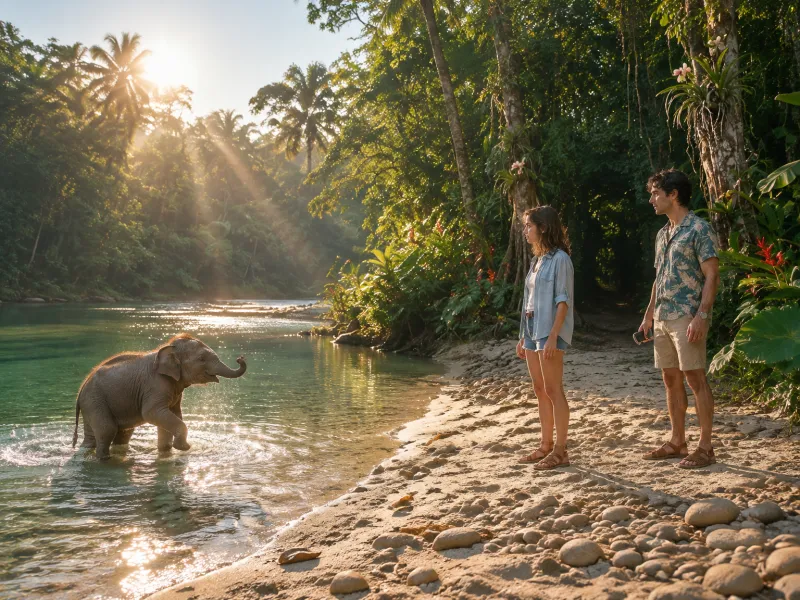 The baby elephant14 shots
 - 2EXT. ISLAND WATERS - DAY
 The ride2 shots
 - 3EXT. ISLAND WATERS - DAY
 The jump2 shots
 - 4EXT. BEACH BAR - DUSK
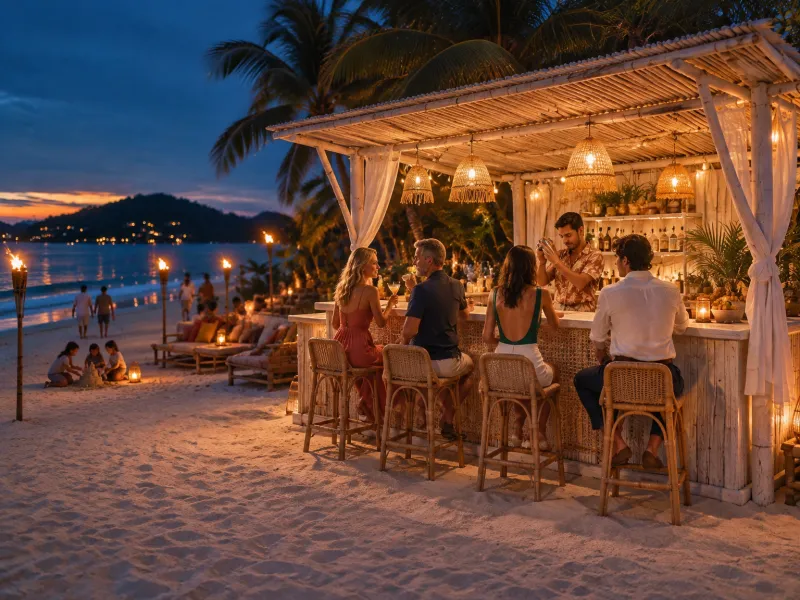 Bar to the show4 shots
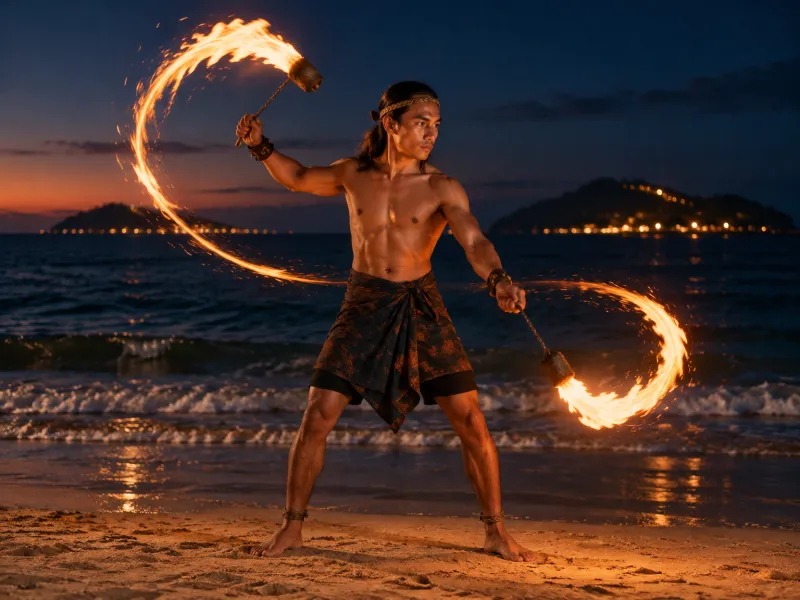 The beach bar8 shots
Bibles
What is an automatic bible?
A bible is what stays true. Each character, place and prop has one, drafted from what the script says about them: who they are, what they look like, what they wear.
Each sequence has one too, in eight parts, written once and sent with every shot: general description, style, location, lighting, continuity, physics, sound and what never to show.
- DraftedFrom the script, by the app or by your own LLM
- VersionedEvery save keeps the version before it
- UsedSent at the top of every prompt, so no shot repeats it
- General descriptionA nostalgic travel montage, the last evening of the trip, at Ari's boho beach bar at blue hour.
- StyleLive-action travel commercial, 4:3, with the image quality of an ARRI Alexa 35 and Canon K35 prime lenses.
- LocationA boho bar at the top of a long beach, at a right angle to the shoreline.
- LightingBlue hour just after sunset: a deep blue sky with a thin warm orange band low over the sea.
- ContinuityMaya and Theo have no drinks until Ari serves their coconut cocktails.
- PhysicsReal-time natural speed. The torch flames are alive in every shot.
- SoundSmall waves breaking softly, a gentle breeze, the crackle of the torches.
- Negative promptNo posing and no looks into the lens, no text, captions, subtitles or logos.
The asset library
What is an asset, and what is an asset call?
An asset is something that must not change between shots: a character, a world or a prop. It is made once as pictures and given an @ID.
An asset call is typing that ID in a prompt. The asset's pictures are attached to the shot and sent as references with every still and every render of it. The model is shown the face; it is not told about it.
- CharactersA face row, face looks (make-up, a scar, a mask) and a wardrobe sheet for each costume
- WorldsA wide, empty still of each place, and its other sides
- PropsEach object alone on a studio backdrop, attached only where it appears
@maya sits at the @beach-bar. @ari sets down an @aris-coconut-cocktail and she lights up.
 MayaCharacter
 AriCharacter
 Beach BarWorld
 Coconut CocktailProp
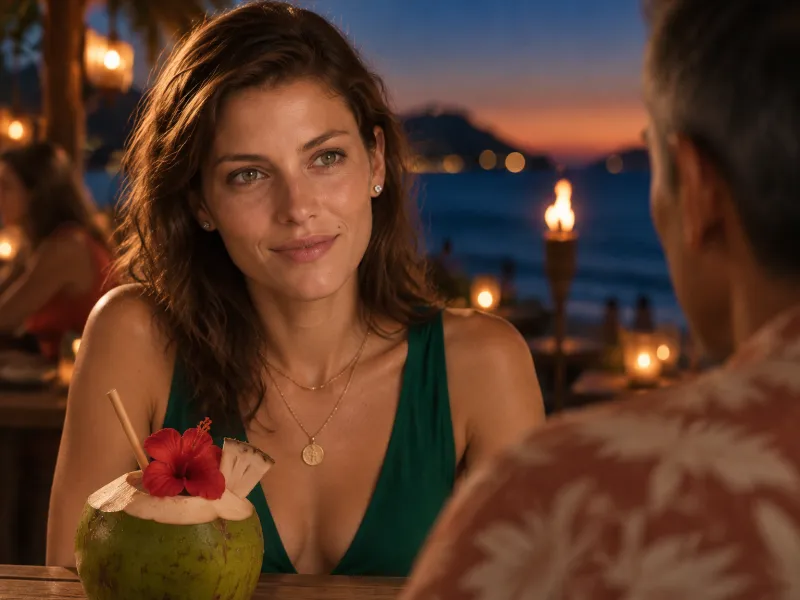
Characters@maya @theo@ari
 @fire-dancer
 @peanut
Worlds @jungle-river
 @coral-reef@beach-bar
Props @wooden-longtail-boat@aris-coconut-cocktail
 @red-hibiscus-flower
 @fire-poi
 @theos-phone
Shot controls
How do I control a shot?
With controls, not with words to remember. Each shot has its prompt, its dialogue, and a camera set by shot size, lens, move and angle. A floor map places the people and the camera, and warns when a shot breaks the 180-degree rule.
The tool shows its work. Review opens the whole prompt the sequence will send, shot by shot, before it goes, and can read it for ambiguity first.
- CameraSize, lens, move and angle, written into the prompt for you
- BlockingPeople, camera and the line of action on a floor map
- ReviewThe exact prompt, checked before anything is spent
- SizeMedium wide to wide
- Lens85mm
- MovePull out
- AngleEye level
@ari tucks a flower into each cocktail, then steps out of frame.
A continuous scene covered in 8 shots.
StyleLive-action travel commercial, 4:3, with the image quality of an ARRI Alexa 35 and Canon K35 prime lenses…
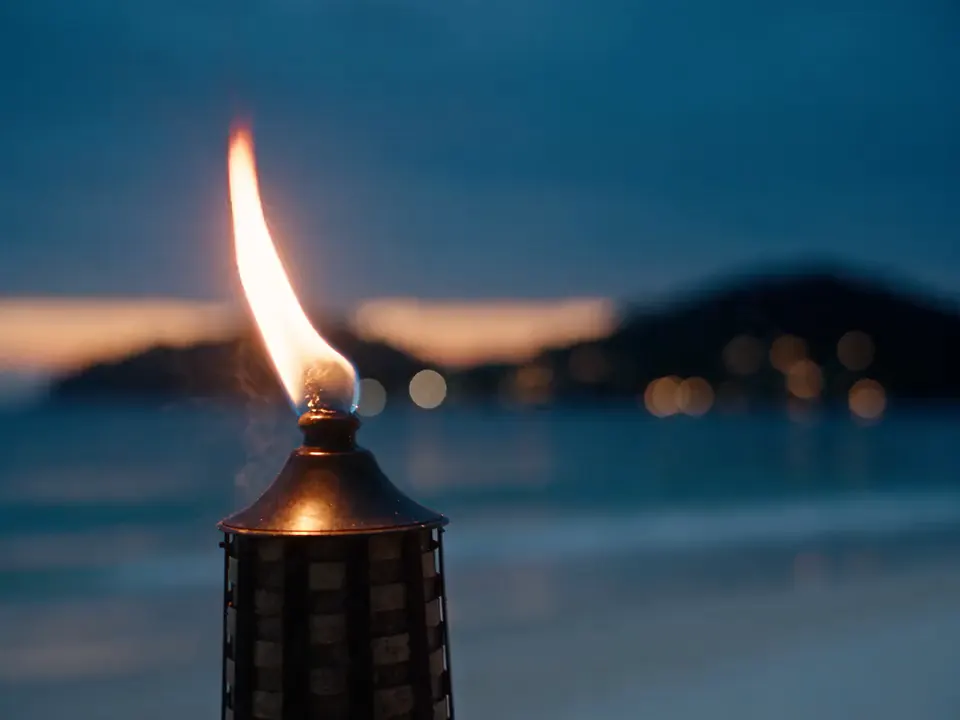
SHOT 01A long lens from some distance away, tight on the top of a bamboo fire torch: the flame fills the frame…
SHOT 02Wide on the group, eye level, a wide-angle 18mm lens. Centre: MAYA, small in the space, back to the lens, looking at ARI…
SHOT 03Over ARI's shoulder, onto MAYA, eye level, a long 135mm lens, the background compressed and soft…
SoundA beach bar at blue hour: small waves breaking softly, a gentle breeze, the crackle of the torches…
Never includeNo posing and no looks into the lens, no text, captions, subtitles or logos…
Stills, video, upscale
How do pictures and video get made?
Frame a shot as a still first, for cents, on the model you choose. Then render the sequence as a whole: the video model gets the bible once and every shot in order, with all references, which is how one room stays one room across the cuts.
Draft at 480p, make the take you like final at 1080p, and upscale only the takes you keep. A draft is billed as 480p and its final at the 1080p price. Upscaling never renders again, so nothing in the shot changes.
Renders are downloaded as MOV or MP4 clips and cut together in your own editor.
- StillsGPT Image 2, GPT Image 2.5, Seedream 5.0, Seedream 4.5, Nano Banana 2, Nano Banana Pro
- VideoSeedance 2.5, Seedance 2.0, Seedance 2.0 Fast, Seedance 2.0 mini, Veo 3.1, Veo 3.1 Fast, Veo 3.1 Lite. A sequence opens on Seedance 2.5: 4 to 30 seconds a part, with sound. The engine menu offers the others
- Upscale1080p, 2K or 4K, priced by the second
Generation records
Is there a record of what was generated?
Yes, of everything. Each picture and each render keeps its full prompt, the model, the settings that were sent, its references and when it was made.
Any of them can be made again as it was, or changed by rewriting one line. The billing history shows what each job was charged and who ran it.
- KeptPrompt, model, settings, references, date
- ReusedReuse the settings, use the picture as an input, or save it as an asset
- CostedEvery job in the history with its price and the person who ran it, and a Budget page for each project: its spend by scene, sequence, person and model
Reuse the settingsUse as an inputPrompt 1,011 charactersCopy
Subject: the red hibiscus flower Ari tucks on the cocktail, a prop for a tropical vacation film.
Object: a single fresh red hibiscus flower, fully open, silky crimson petals with fine natural veins, a long yellow stamen column dusted with pollen, a dew drop on one petal, a short green stem.
Setting: alone on a seamless mid-grey studio cyclorama, empty, nothing else in frame, no hands, no text, no logos.
Settings sent
ModelSeedream 5.0 Pro
Aspect1:1
Resolution1K
Optionstudio reference
MadeOct 2, 2026, 10:00 AM
ReferencesNone attached
This monthOct 1 to Oct 31
- Stills$18.40
- Video$171.20
- Upscales$22.80
Balance left$787.60
Your limitNo limit
Your own LLM
Where does an LLM speed the work up?
At every step that is writing. An LLM is an AI assistant such as Claude or ChatGPT. Connected to a project, yours reads the script, drafts the bibles, writes casting options, cuts a scene into shots, sets the camera and the blocking, and queues stills and renders.
It is optional: everything works without it. If you connect one, you talk to the project in plain words and approve what costs money. The app teaches the LLM its own craft rules, so you do not paste a manual into the chat.
- Connects byMCP, the open standard for giving an AI assistant tools, over HTTP with a key you make in the app. Set-up steps are given for Claude Code, the Claude app, Codex and Cursor, and for any other MCP client
- ScopedOnly the projects you tick, for 8 hours to 30 days
- PermissionsReading always; writing shots, queueing pictures and queueing video each switched on by you
- ApproveEvery paid proposal is a priced line that waits for a person
Write the shot list for scene 1. Open on a detail, not a wide.
ReadDone: 14 shots on a new board, each with its size, lens, move and angle. It opens on a hand in the leaves.
OpenI can frame all 14 as stills for $0.75.
ApprovedAll 14 stills are on the board. That came to $0.75.
OpenNameClaude, Episode 4
Lasts8 hours1 day7 days30 days
It can
- Read and see creative materialsScripts, bibles, decks, assets and their pictures.Always
- Write and set up shotsWhat you approve in chat. Every change is logged.
- Queue images upon your requestEach waits for you. Nothing is spent until then.
- Queue videos upon your requestVideos and upscales wait for you. Nothing is spent.
Specs and delivery
Technical specs.
For whoever has to fit this into a pipeline. These are for Seedance 2.5, the model a sequence opens on. The other models differ, and some render at 4K: see Models.
- Frames
- 9:16, 16:9 and 4:3
- Resolution
- 480p, 720p or 1080p. 2K and 4K by upscale
- Length
- 4 to 30 seconds a render
- Frame rate
- 24 frames a second
- Sound
- Generated with the video, or switched off
- Files
- MOV or MP4
- Render time
- About 4 minutes for 5 seconds
- Getting it out
- Download the original file
- Stills
- 1K or 2K
On the wayFrame.io. Send finished takes to your editing team.Google Drive. Renders and a generation log in your own Drive.
Built to cut the waiting and the retyping.
Six things the app does so that you do not have to.
- One render, cuts includedA sequence of up to 30 seconds comes back as one clip with its cuts in it. Nothing to stitch.
- Stopped before it failsA request the video model is sure to refuse is caught in half a second. Nothing is charged.
- Your own products and peopleUpload a client's product or your own talent, with their permission. We register them with the video model at no charge.
- One library, every episodeCharacters, places and props serve every scene of a short, a series or a feature.
- Every generation on recordThe prompt, model and settings of each one. Make it again, or change one word.
- Yours, and backed upWhat you make belongs to your organization, and is backed up every night. Ownership and privacy
Open the finished project. Then make yours.
No card needed. Finish the tutorial in the app and $3 is added to your balance.