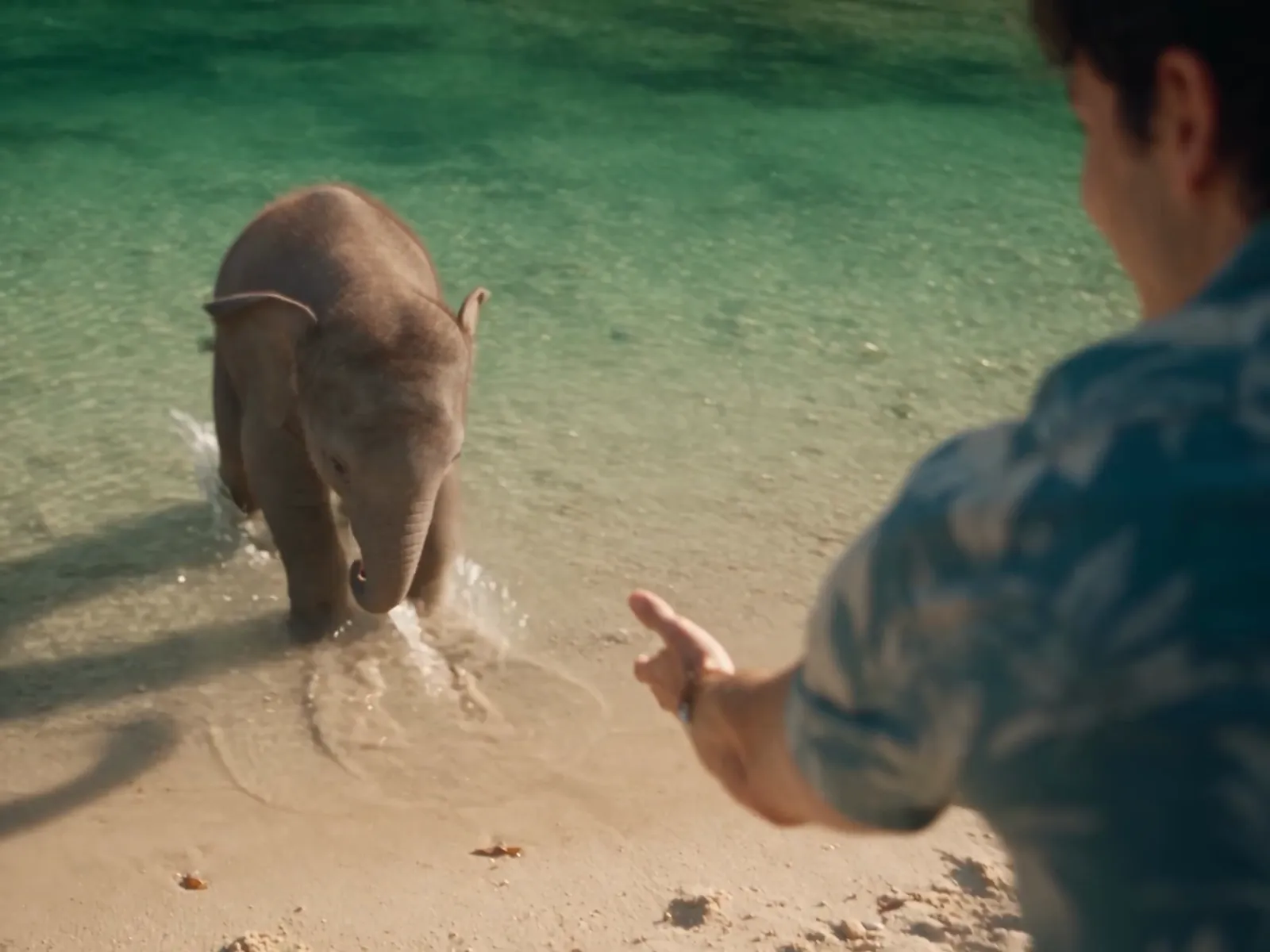
Created with Story Atlas
Production software for AI film, series and verticals.
From your script to finished AI video, shot by shot. AI-assisted script breakdown, asset tracking and shot previews, in one place. Transparent pricing at every step.
No card needed. Finish the tutorial in the app and $3 is added to your balance.
- No subscriptionPay for what you make. Nothing monthly.
- Transparent pricingIn dollars, not credits. Your balance never expires.
- Every generation loggedThe prompt, model and settings, stored and sorted.
- Solo or a full teamAdding people is free. A spending limit per person.
Creative control of every shot. Continuity across every cut.
Set each shot with camera controls and a floor map. Preview it as a still for cents, and see how the model reads your prompt before you spend on video. Your AI assistant can run every step for you. Here is a real sequence, playing beside its own plan.
- SizeInsert
- Lens135mm
- MoveTrack
- AngleEye level
Blocking is switched offfor inserts.
In the shotNot in itCamera
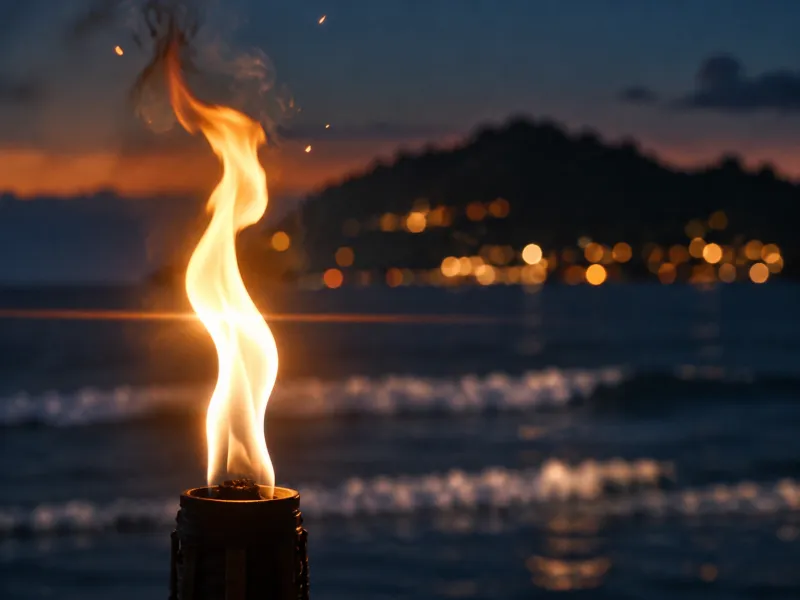
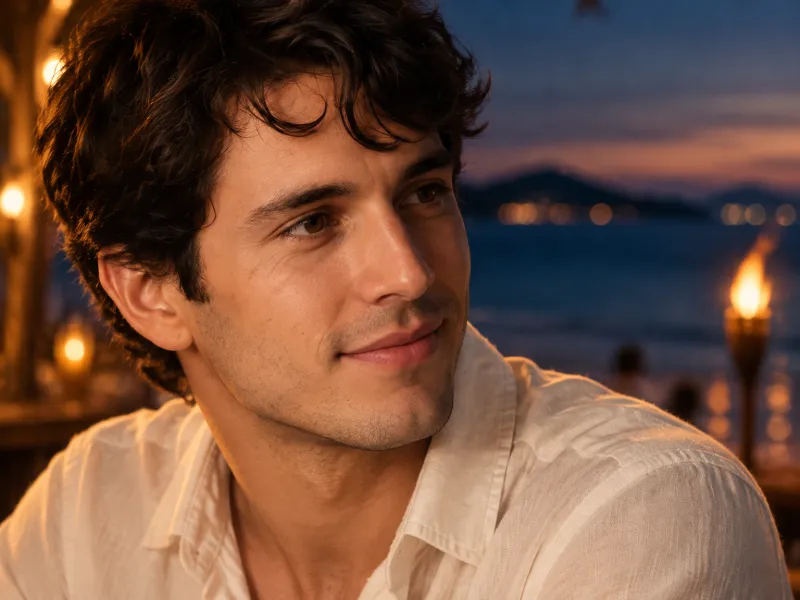
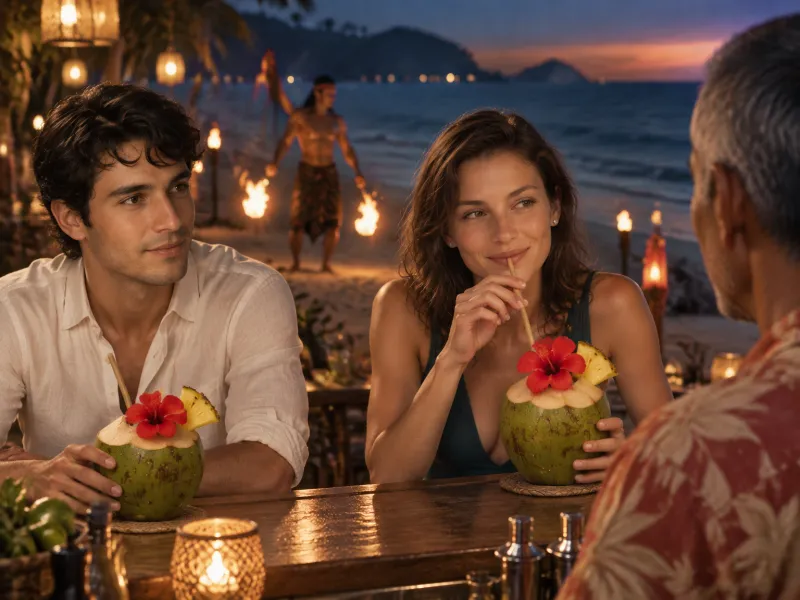

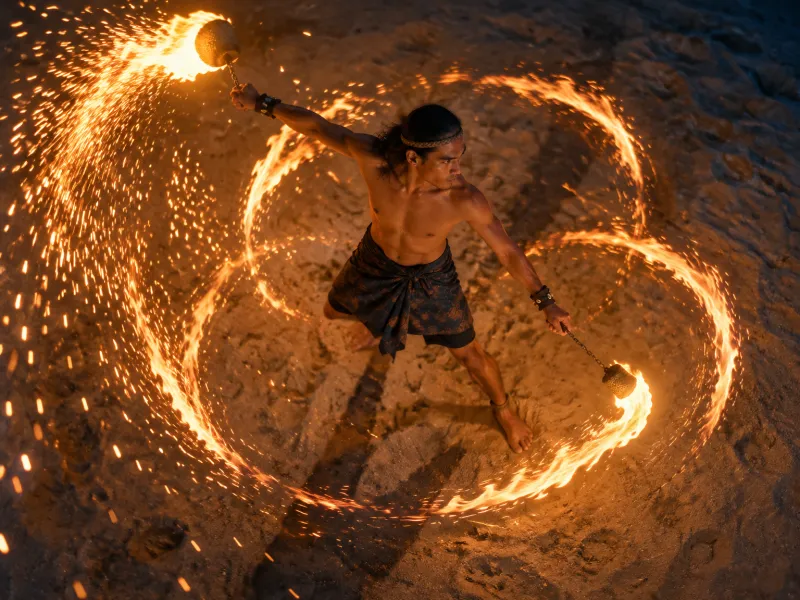
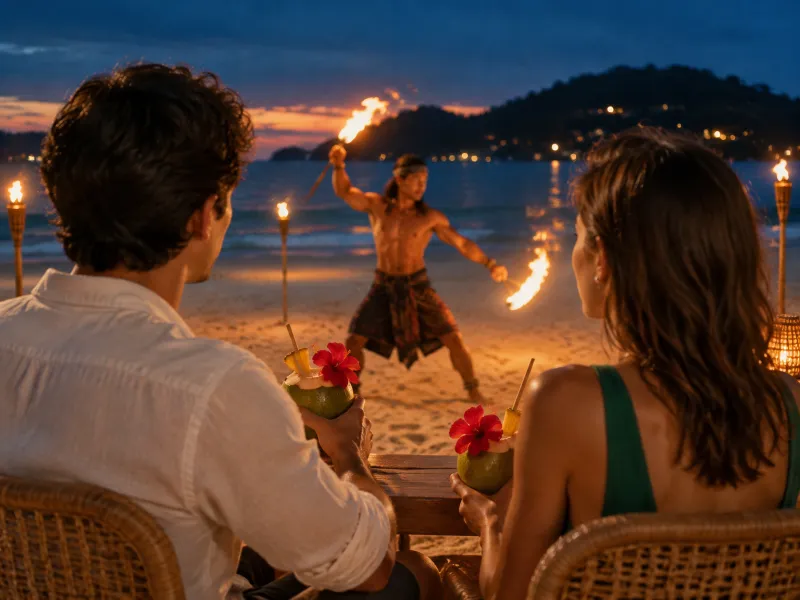
Shot 1. A torch flame fills the frame as the camera glides sideways.
Every full prompt is open to read in the sample project, inside the app.
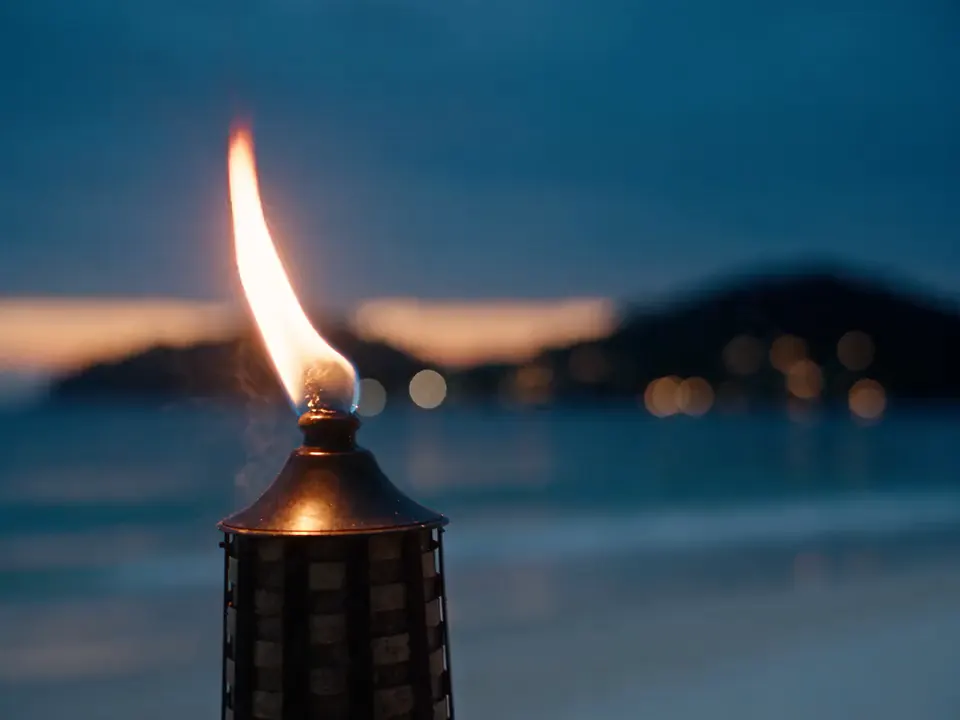
Press a shot to hold on it. Swipe the strip to see all 8.
From “Paradise, Found”. A video model can still stray from the plan. How to write a shot list for AI video
Automated asset controls that keep faces from drifting.
Every character, place and prop is a picture with a name, sent with each shot it is in.
 @maya
@mayaEach clip is a render, from three different scenes. How it is done, step by step
Made for stories: films, shorts, series and verticals.
A story has to hold from shot to shot and from episode to episode. Every format gets the same tools. This is what each one gains most.
- VerticalsMicrodramas and vertical seriesMany short episodes, made fast, with the same faces in every one.9:16One cast, every episodeShot lists by your LLM
- SeriesEpisodes, each in scenesA cast and a world that hold from the first episode to the last.EpisodesOne libraryPeople working at once
- Short filmsA few scenes, a small budgetPlan the whole film for free. Pay only for the shots you render.Free to planNo subscriptionWorks for one person
- Feature filmsOne long story, in scenesA long script, a large cast, and hundreds of shots that have to match.Script breakdownAsset trackingUpscale to 4K
What people ask first.
- Is there a subscription?
- No.Add funds and pay for what is made. Nothing renews, nothing expires.
- Do I need a card to try it?
- No.Sign in, finish the tutorial in the app, and $3 lands in your balance.
- What does video cost?
- $0.29 a secondAt 720p, to the nearest cent. $0.60 at 1080p. Every price
- Am I charged when a render fails?
- $0.What was held for the job goes back to your balance if it fails or is refused.
- Can I use it for client work?
- Yes.What you make belongs to your organization, which can be just you. Ownership and privacy
- Is my work used to train AI?
- Never by us.The AI companies get it under business terms that say they do not train on it. The detail
- Does it make vertical video?
- Yes, 9:16.And 16:9 and 4:3.
- How long does a render take?
- About 4 minutes.For a 5-second clip. 5 to 7 minutes for 30 seconds.
- Can my team share it?
- Yes.Adding people is free, and each person has a spending limit.
Connect your LLM and it does the typing.
An LLM is an AI assistant such as Claude or ChatGPT. Connect your own and it joins the project and works in it beside you. It already knows the script, the library and how this app wants a shot written, so one line from you becomes a set-up sequence.
| The job | By hand | With your LLM connected |
|---|---|---|
| The script | Read every scene and list who and what is in it. | Reads it and sets the project up: scenes, characters and their looks, places and props. |
| Look books | Cut each picture out of the deck and file it. | Reads your decks and storyboards and files each picture under the character, place or prop it shows. |
| Bibles | Write a page on every character and place. | Writes all of them from the script and the look books, for you to edit. |
| Casting | Write a prompt for every face and every costume. | Prepares the face rows and wardrobe sheets, each with its price, for you to approve. |
| The shot list | Write each shot, then set size, lens, move and angle on it. | Cuts the scene into shots with the camera set on each. |
| Blocking | Drag each person and the camera into place, shot by shot. | Sets up the floor map: the room, where everyone stands, and the camera for every shot. |
| References | Attach the right pictures to every shot. | Attaches them by name. |
| Stills and renders | Press Frame on every shot. | Queues the whole sequence as one priced line. Nothing is made until you approve it. |
Write the shot list for scene 1. Open on a detail, not a wide.
ReadDone: 14 shots on a new board, each with its size, lens, move and angle. It opens on a hand in the leaves.
OpenI can frame all 14 as stills for $0.75.
ApprovedAll 14 stills are on the board. That came to $0.75.
OpenAn example chat, playing by itself. Optional: everything works without it. It sees only the projects you tick, and anything that costs money waits for you to approve it.
Every asset has an ID you can call in any prompt.
A character, a place or a prop is made once as pictures and given an ID, such as @maya. Type the ID in a prompt and its pictures go with every still and every render of that shot. Your prompt says only what changes.
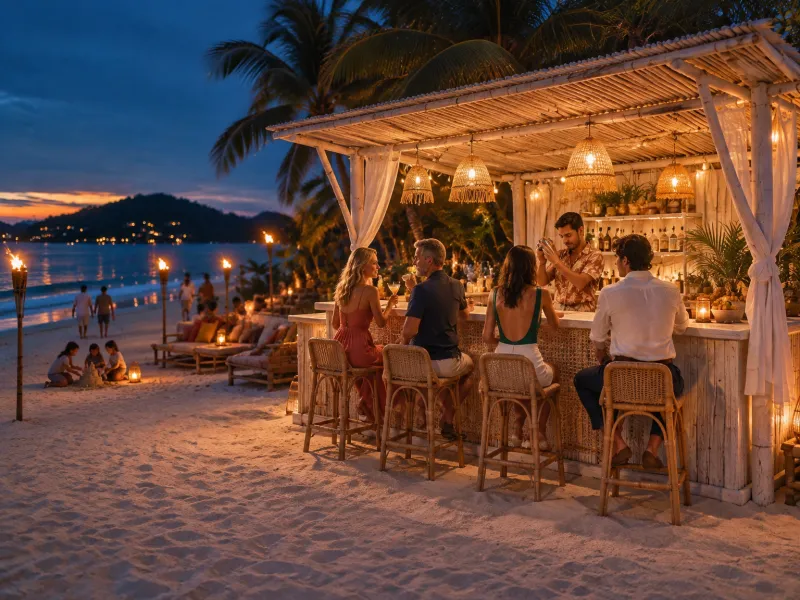
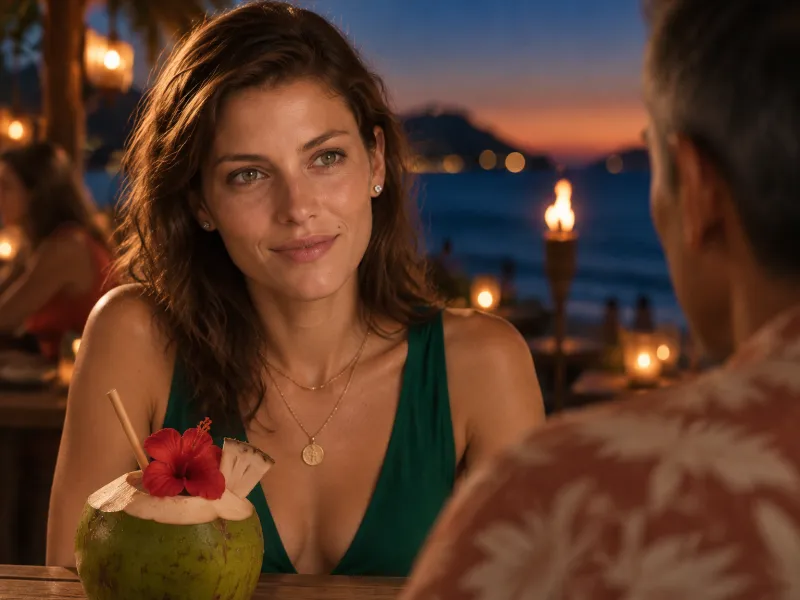
@maya sits at the @beach-bar. @ari sets down an @aris-coconut-cocktail and she lights up.
- MayaCharacter
 AriCharacter
 Beach BarWorld
 Coconut CocktailProp
- CharactersA face row, face looks, and a wardrobe sheet for each costume
- WorldsA wide, empty still of each place, and its other sides
- PropsEach object alone, attached only where it appears
- Your ownA client's product or your own talent, with their permission. We register them with the video model at no charge, so it does not refuse them.
The price is on the button, in dollars.
Change a setting and the price changes before you press. While a job runs, the most it can cost is held from your balance. For a video render that is a little more than the price on the button, and the amount is written under the button. When the job is done you are charged what it really cost, never more than was held. A job that fails or is refused costs nothing.
- $0.015
- a still, from
- $0.29
- a second at 720p
- $0.60
- a second at 1080p
Price demoThe settings that set a render's price on Seedance 2.5. It may change by itself until you touch it. Nothing is made or charged on this page.

None
None
Seedance 2.5
In the app, under this button: “Billed after the render, at its real cost. At most $2.95 is held. Failed generations aren't billed.”
Sound and format do not change the price.
| Tool | Subscription | Least to start | Priced in | Seedance 2.5, 5 seconds at 720p | Unused credits or funds |
|---|---|---|---|---|---|
| Story Atlas AI Studio | None | $0 | Dollars | Pay as you go | Never expire |
| Higgsfield, source, opens in a new tab | Required | $49 a month | Credits | $49 plan, in its app | Not stated |
| Runway, source, opens in a new tab | Required | $15 a month | Credits | Standard plan | Lost each month |
| Magnific, source, opens in a new tab | Required | $20 a month | Credits | Premium plan | Lost after a year |
| Pika, source, opens in a new tab | Optional | $10 a month | Credits | $25 credit pack | Plan monthly, pack yearly |
| fal.ai (API), source, opens in a new tab | None | Pay per use | Dollars | Pay per use | Lost after a year |
Other tools' prices were read on October 7, 2026 and change with the plan and billing period; some plans cost less per clip than ours. “About” marks a figure worked out in proportion. The full comparison
From the script to the final clip, in one place.
Each step hands its work to the next. The script names the cast, and the cast goes on the shots. A still checks a shot's framing before you pay for video. The video is made from the shots' words and their asset pictures, not from the stills.
EXT. JUNGLE RIVER - MORNING
Mist drifts over a jade river between leaning palms.
MAYA (30s, fearless, always first in) wades in, grinning. THEO (30s, sweet, a little clumsy) follows, phone held high.
PEANUT, a baby elephant, sloshes over to inspect him.
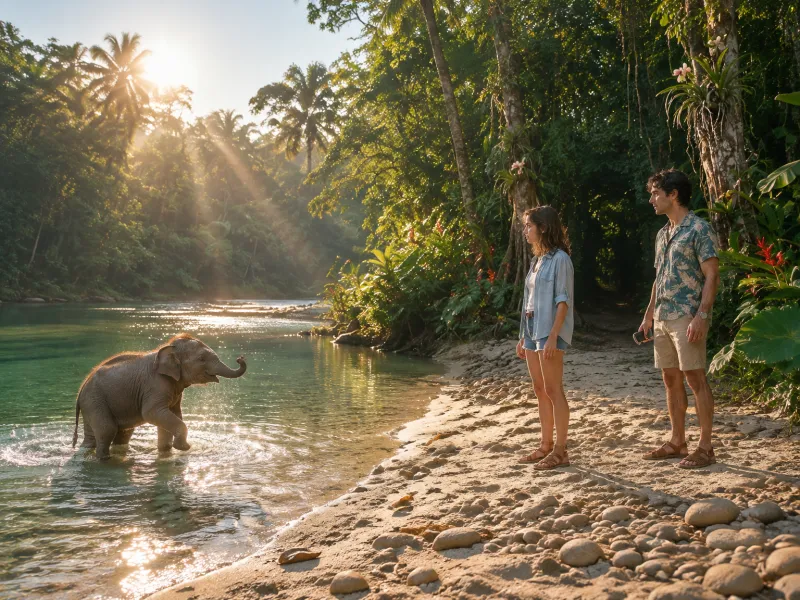 The baby elephant14 shots
 The ride2 shots
 The jump2 shots
 @wooden-longtail-boat
 @red-hibiscus-flower
 @fire-poi
 @theos-phone
- GPT Image 2 and 2.5
- Seedream 5.0 and 4.5
- Seedance 2.5 and 2.0 video
- Nano Banana 2 and Pro
- Veo 3.1 video
Work together on one balance, saved as you type.
Your team works in the same project at the same time, and every change saves itself. Everyone spends from one shared balance, and you decide how much each person can spend.
@theo lowers himself a little and slowly extends his left hand toward @peanut, palm low and open. The camera pushes in very slowly.
Saved. Both edits kept.
- DRDana ReyesOwner$84.10 spent this monthNo limita month
- SOSam OkoroManager$96.30 of $500.00 this month$500a month
- LFLena FischerMember$32.00 of $150.00 this week$150a week
- TATom AveryViewer$0.00 spent this monthNo limita month
Built to cut the waiting and the retyping.
Six things the app does so that you do not have to.
- One render, cuts includedA sequence of up to 30 seconds comes back as one clip with its cuts in it. Nothing to stitch.
- Said onceA sequence's look, light and place are written once and sent with every shot.
- Stopped before it failsA request the video model is sure to refuse is caught in half a second. Nothing is charged.
- Every generation on recordThe prompt, model and settings of each one. Make it again, or change one word.
- One library, every episodeCharacters, places and props serve every scene of a short, a series or a feature.
- Yours, and backed upWhat you make belongs to your organization, and is backed up every night. Ownership and privacy
A finished project is waiting in your account.
“Paradise, Found”, the film at the top of this page, is copied into every new account: 4 scenes, 30 shots, every prompt and every reference. Open it, change a line, frame the shot again.
- 30
- shots
- 24
- reference pictures
- 6
- renders
 1Jungle RiverMorning, 1 sequence
 2Island WatersDay, 1 sequence
- 3Island WatersDay, 1 sequence
- 4Beach BarDusk, 2 sequences
MayaTheo PeanutAri
 Fire Dancer
Jungle RiverCoral ReefBeach Bar
More questions?
Read the FAQOpen the finished project. Then make yours.
No card needed. Finish the tutorial in the app and $3 is added to your balance.